Guide
AI Appointment Setter Integrations: Connecting Voice AI to Your CRM & Calendar in 2026
Learn how to integrate AI appointment setters with CRM and calendar tools in 2026. We cover best practices for syncing data and booking calls efficiently.
Published 6 min read
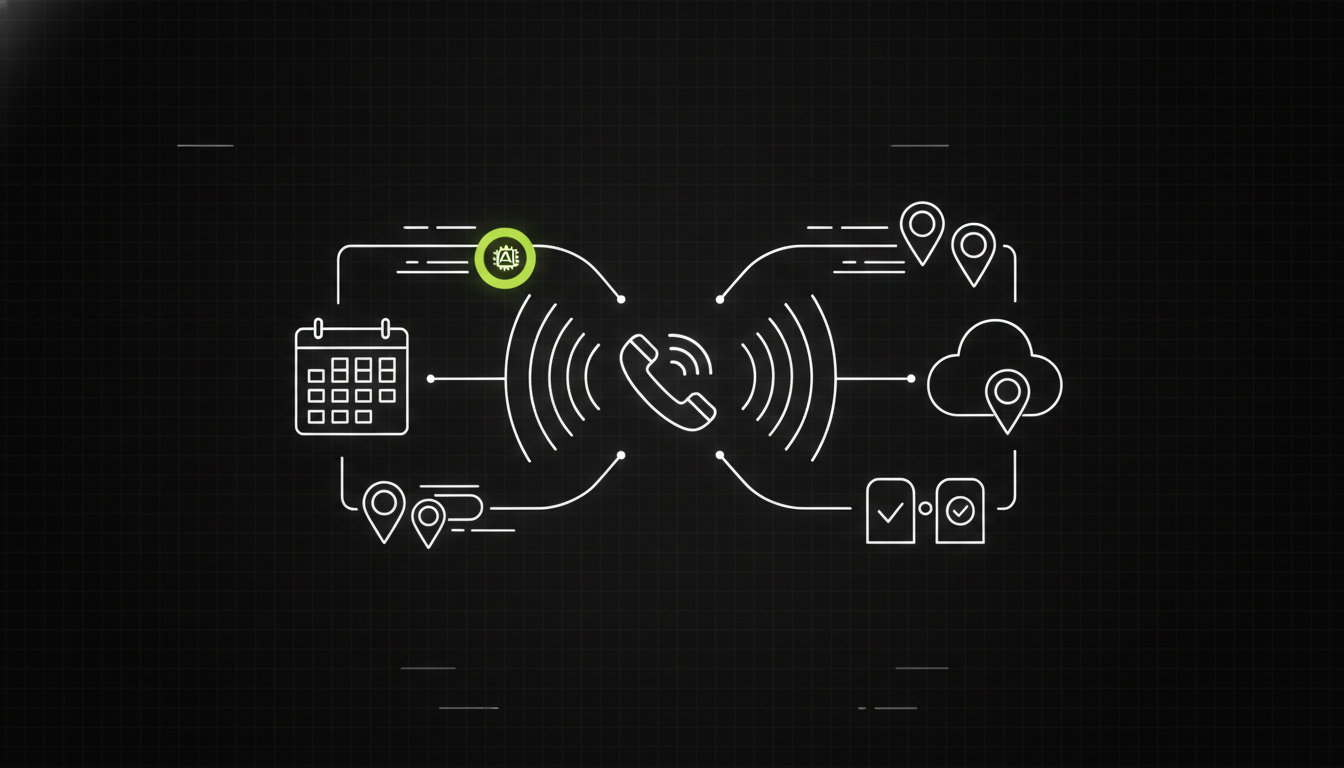
You need an AI appointment setter that connects directly to your CRM via webhooks or native apps to automate lead qualification and booking. Without this integration, your team wastes hours manually entering call data. Prioritize tools offering real-time sync to avoid double-work and lost leads.
Key takeaways
- Native integrations reduce manual entry errors by keeping contact data in sync.
- Real-time calendar booking prevents double-booking and misses availability slots.
- Compliance features like consent gates and disclosure are now standard in 2026.
Why is seamless CRM and calendar integration crucial for AI appointment setters?
Without deep integration, an AI agent becomes a costly black box that creates more work than it solves. We have seen teams discard promising tools simply because notes landed in a database nobody checked. If the AI cannot write back to your customer record, your sales team lacks context for follow-up. This disconnect leads to lost opportunities and frustrated reps who must re-qualify leads manually.
Integrations ensure that every interaction updates the lead status immediately. When the agent books a call, the calendar event creates automatically. When it collects feedback, that text populates the relevant field. This flow allows your human team to focus on closing deals rather than data entry. It also ensures compliance records, such as consent timestamps, are stored permanently with the customer profile.
What are the key CRM integrations for AI voice agents?
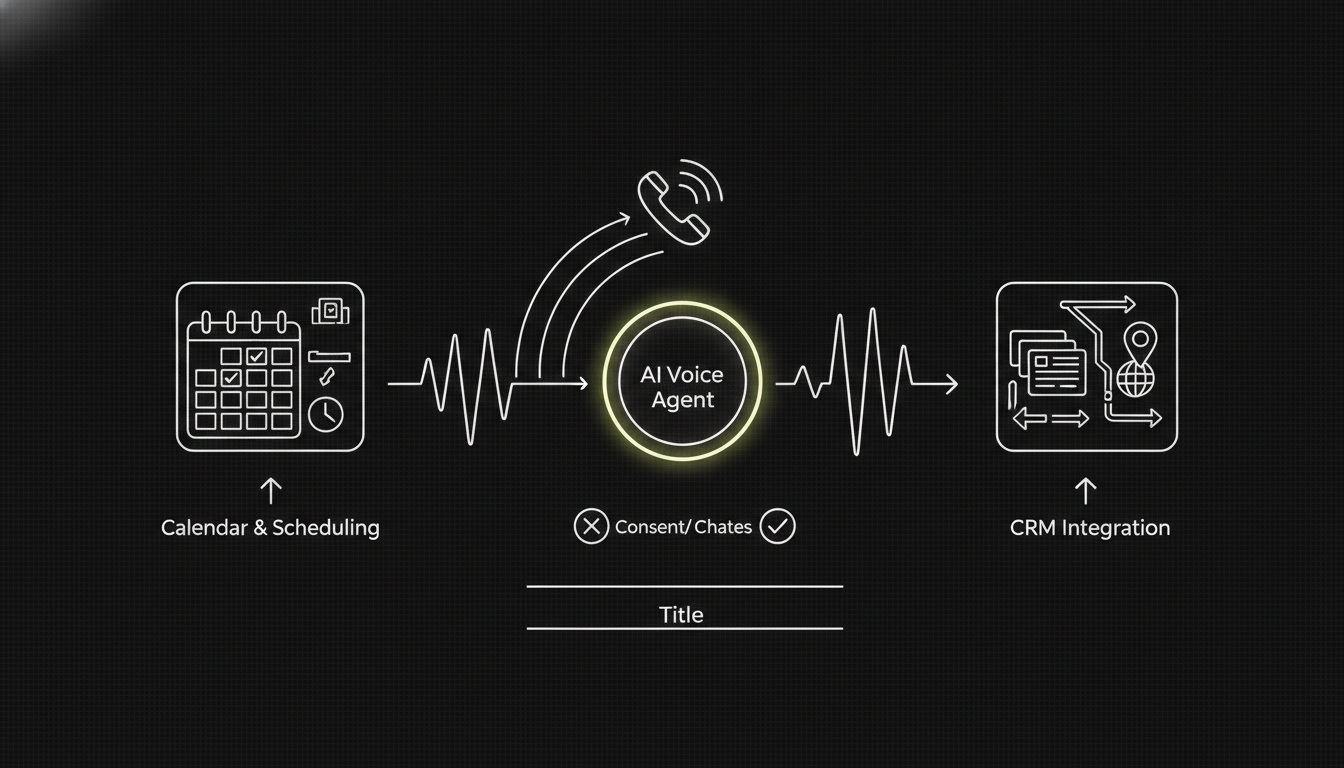 Most businesses need support for Salesforce, HubSpot, or a custom internal database. Native connectors are ideal because they handle authentication and field mapping out of the box. For custom CRMs, webhook endpoints allow you to push specific data payloads when events occur. This flexibility lets you define exactly what the AI updates based on the conversation outcome.
When choosing a provider, verify which tools support direct API connections. Some vendors rely on third-party middleware like Zapier, which can introduce latency and failure points. Direct API access ensures faster writes and better error handling. Look for providers that allow you to map custom fields, as this is where most implementations fail.
| Integration Type | Speed | Reliability | Best For |
|---|---|---|---|
| Native App | Instant | High | Salesforce, HubSpot, Pipedrive |
| Webhook | Fast | High | Custom CRMs, Internal Tools |
| Middleware (Zapier) | Delayed | Medium | Non-technical teams, Legacy Systems |
How do AI appointment setters sync with popular calendars?
Calendar sync is the hardest part of the stack to get right. You need the AI to check availability in real time against Outlook or Google Calendar. If the bot books a slot that is already blocked by a human meeting, you lose credibility. The solution is a read-write permission scope that allows the agent to query free/busy status before offering times.
Most modern agents use OAuth to connect securely to your calendar account. They should respect your working hours and buffer times to prevent back-to-back scheduling. Some tools also allow for time zone detection so international leads book at appropriate hours. Always test this with your own calendar first to ensure conflicts are avoided.
For teams using Setter AI, the system claims to book sales calls on autopilot by managing these calendar checks automatically. This reduces the overhead of coordinating schedules manually.
How do you build effective workflows from lead to booking?
A workflow must handle qualification before offering time. If the AI offers a slot to a lead who does not qualify, you waste human time. Design a sequence where the agent asks prerequisite questions—such as budget or timeline—before opening the calendar. Only if the score passes a threshold should it proceed to booking.
Use conditional logic to route leads to different pipelines. A high-intent lead might book directly, while a low-intent one gets a follow-up sequence. Ensure the AI notes the qualification score in the CRM so humans know how to prioritize. This structure ensures your human reps spend time on prospects ready to move forward.
How can you ensure real-time data exchange between AI and humans?
Real-time sync means the CRM reflects the call outcome seconds after it ends. This requires event-driven architectures where the AI sends a payload immediately upon hangup. Polling systems that check for updates every few minutes will create lag and confusion for sales reps.
Configure your webhooks to trigger on specific events like "Call Completed" or "Appointment Booked." Ensure your system validates these payloads to prevent data corruption. If you use a multi-agent setup, synchronize state across agents so one doesn't book while another is qualifying. This prevents race conditions where two bots act on the same lead simultaneously.
What are common integration challenges and how to optimize?
Authentication timeouts are the most common failure point. OAuth tokens expire, and if your system does not refresh them automatically, the AI stops syncing data. Plan for token renewal logic or choose a provider that manages authentication refresh in the background.
Another issue is API rate limits. High-volume calling can hit these limits if you try to write every note to the CRM instantly. Batch small updates or use asynchronous queues to smooth out the load. Monitor your integration logs for 429 errors, which indicate throttling, and adjust your write frequency accordingly.
How do you choose the right AI appointment setter for your stack?
Look for vendors that explicitly document their integration capabilities in their API reference. Avoid tools that hide these details behind sales pages. Check if they support your specific CRM version and if they offer sandbox environments for testing before you commit.
Pricing models also vary. Some charge per seat, while others charge per minute of voice time. Per-minute pricing often scales better for small teams with fluctuating volumes. Ensure there are no hidden costs for integration calls or API access.
What are the future trends in AI appointment setter connectivity?
We expect deeper context sharing between voice agents and backend tools. Instead of just booking a meeting, agents will pull up order history or inventory levels during the call to inform scheduling. This requires tighter coupling with ERP and billing systems.
Multimodal capabilities will also grow. Agents will send meeting summaries to email or messaging apps alongside the calendar invite. This reduces the need for humans to transcribe call notes. As models improve, expect more natural handling of complex scheduling constraints, like rotating availability or multi-step approval chains.
Before you start testing, check if your current stack supports these standards. Most enterprise tools now offer APIs that can handle complex state updates. If you need help connecting voice AI to your data, explore options like MCPDial.
FAQ
How do AI appointment setters update CRMs?
They send data payloads via webhooks or API calls immediately after a conversation ends. This writes new notes, scores, or booking details directly into the customer record.
Is AI appointment setting compliant in 2026?
Regulations in the US and EU require clear consent and data residency controls. Ensure your provider supports call recording disclosures and respects do-not-call lists.
What is the best CRM for AI voice agents?
Salesforce and HubSpot lead due to open APIs and widespread developer support. However, custom databases can work well if your team has the engineering resources to maintain webhooks.
How much does AI appointment booking cost?
Most platforms charge per minute of voice time rather than a flat monthly fee. Rates typically range based on volume, with lower costs for high-usage plans.
Can AI agents handle rescheduling requests?
Yes, if the tool connects to your calendar via read-write permissions. The agent can check availability again and move the event with user confirmation.